
A WordPress investment guide
Choosing the right shelter for your business
A plain-language look at what different website budgets actually build, and what it takes to keep a WordPress site standing for years, not months.

The idea
Your website is a shelter for your business
It holds your content, your customers and your revenue. Curb appeal matters, but the real question is whether the structure holds up when the weather turns. Here is how the metaphor maps to WordPress.
The shelter
Your site and its stack
Theme, plugins, hosting and custom code: everything your business lives inside.
The cold season
Pressure and growth
Traffic spikes, core and plugin updates, new features, a growing team.

The bugs
Defects
Things that break or behave unexpectedly. Every site has some.

The bears
Security threats
Bots and attackers testing every door, looking for a way in.
Three levels of investment
What your budget builds
Ambitions often outgrow the budget behind them. Wherever you are today, we help you understand what a functional business looks like at each level, and what it takes to reach the next one.

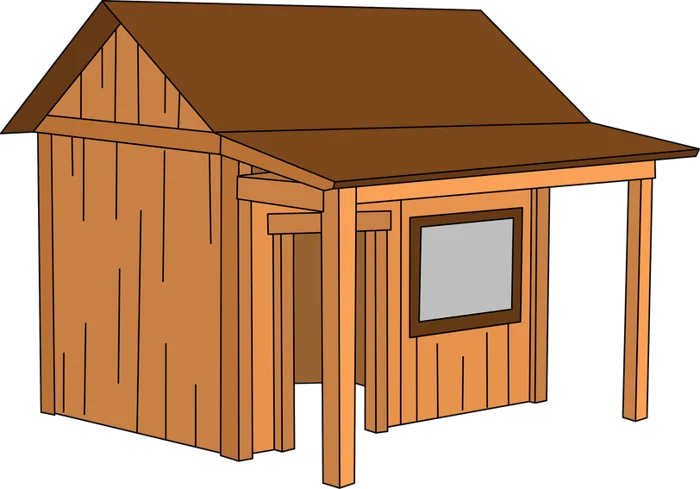
The Tent
~$5,000
Technically a shelter.
- Premium theme or page builder, lightly customized
- Off-the-shelf plugins for each feature
- Budget shared hosting, manual updates
- Fast to launch; good for testing an idea
Survives the cold season? No
The Cabin
~$38,000
A shelter that works.
- Custom theme built for your content and brand
- A short, vetted plugin list
- Managed hosting, staging site and backups
- Reliable home for leads, sales and bookings
Survives the cold season? Yes
The House
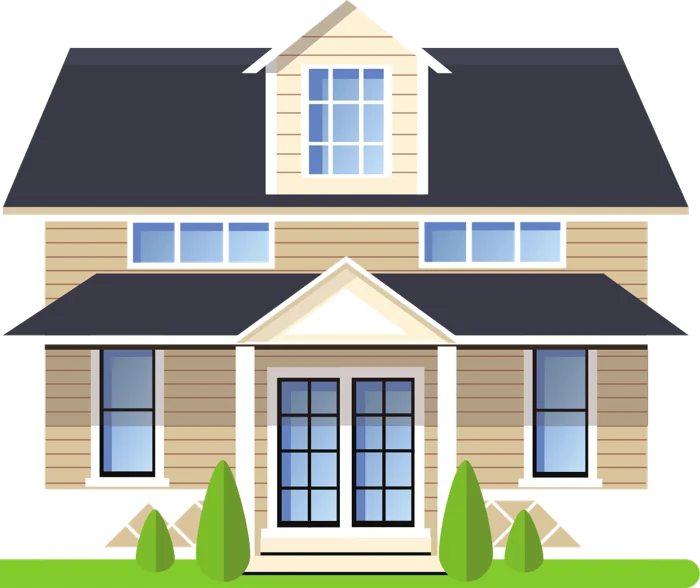
~$96,000
No worries about the shelter.
- Custom architecture, plugins and integrations (CRM, LMS, e-commerce)
- Performance and security hardening
- Version control, testing and controlled deployments
- Ongoing care plan and monitoring
Survives the cold season? Yes, with heating
Figures are typical project investments and illustrate scale; your scope determines your number.
Every structure has visitors
Bugs will find you. Bears will try the doors.
No WordPress site is immune to either. What changes from one structure to the next is how many get in, and how quickly they’re dealt with.
Bugs: defects are inevitable
The amount depends on how the site was built. Size is no guarantee: a large, expensive build can still be full of bugs if it was put together carelessly.
- Plugin and theme conflicts after updates
- Layouts that break on certain devices
- Forms, checkouts or logins that quietly fail
Bears: security threats are constant
Automated attacks probe WordPress sites around the clock. The usual ways in are well known, which also means they’re preventable.
- Outdated or abandoned plugins and themes
- Weak passwords and too many admin accounts
- Unpatched WordPress core or old PHP versions
Building materials
Cedar or pine? Your process is the material.
Builders choose cedar because it naturally resists pests; pine invites them. On a WordPress project, the equivalent choice is the workflow around your site, and it decides how long the structure lasts.
Pine habits (attract bugs)
- Editing directly on the live site
- Installing a new plugin for every feature
- No version control or record of changes
- Updating only when something breaks
- Knowledge that lives in one person’s head
Cedar habits (resist bugs)
- Testing every change on a staging site first
- A short, vetted, actively maintained plugin list
- Code in version control with clear deployments
- Scheduled updates, backups and monitoring
- Documentation your whole team can use

A tent has little structure to protect, which is also why it doesn’t last.
When a repair isn’t a repair
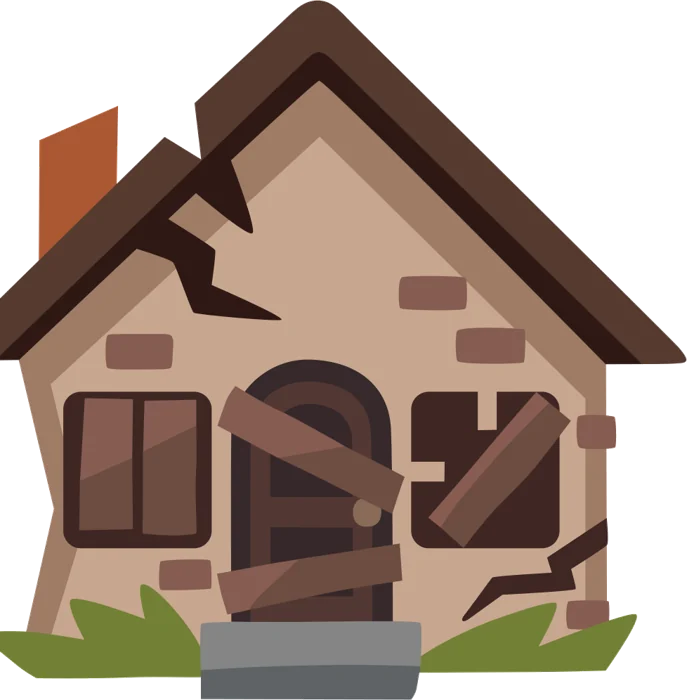
Many clients call us when the house looks like this
Windows falling out, glass on the floor. Understandably, the hope is for a quick, inexpensive fix. But by this stage the damage is structural, and getting back to a site that feels good to run means reworking the foundation.
What’s expected
$500–$5,000
A few fixes and a fresh coat of paint.
What it usually takes
$10,000+
A baseline foundational renovation.
Typical causes: years of skipped updates, conflicting plugins, page-builder lock-in, outdated PHP, and no backups you can trust.
Technical debt
Technical debt doesn’t always look broken
Every shortcut taken today is borrowed against tomorrow. Eventually the interest comes due, sometimes as visible damage, sometimes as a site that looks fine but is painful to live in.
The visible kind
Errors, broken layouts, a site that’s slow or offline. Everyone can see there’s a problem.


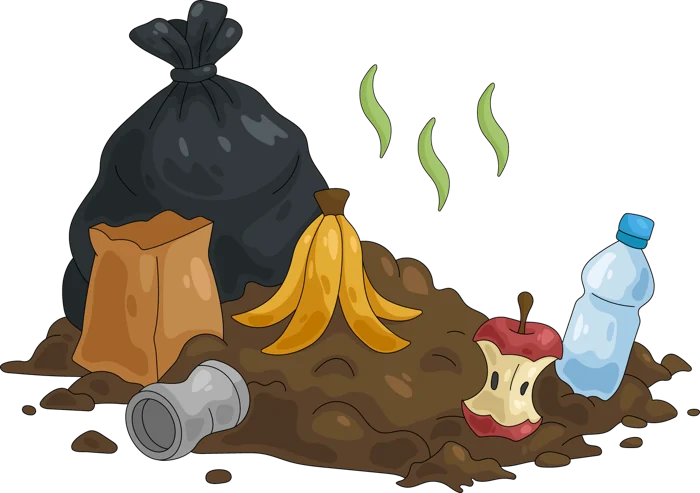

The hidden kind
A perfectly nice site that feels bad to work in: a sluggish admin, fear of clicking “update,” simple changes that take days, and workarounds everywhere.


The good news
Build the shelter that fits, and make it last
A tent, a cabin or a house can each be the right choice. These three habits keep any of them standing.
Hire experienced developers, then listen
Be open about your goals, constraints and budget. Bring the problem rather than a pre-decided solution, and let expertise shape the answer.
Treat your site as an investment
Growth requires investment. Under-funding the foundation feels safer today, but it’s usually the most expensive choice over time.
Agree on a process together
Find a workflow that suits you, your team and your developers. The quality of the result will show whether that process is working.
Not sure which shelter you’re in?
We’ll assess your current WordPress site and map a realistic path to the next level.